

Pallet Wrapper Error Codes:Complete Troubleshooting Reference Guide(2026)
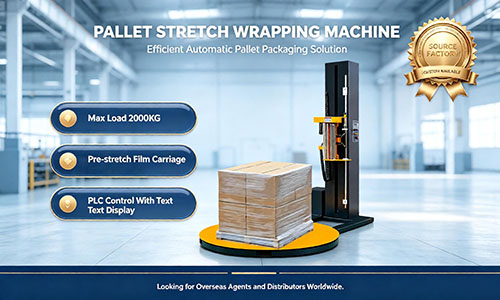
When your pallet wrapper displays an error code on the HMI panel,every minute of downtime costs your operation money.A single unplanned stop on a high-volume wrapping line can idle 2–4 workers and delay outbound shipments by 30–60 minutes or more.
The good news:most pallet wrapper error codes can be diagnosed and resolved by your own operators within 5–10 minutes—no service call required.
This guide covers the most common pallet wrapper error codes across major brands(Atlanta Stretch,Fromm,Noxon,and generic PLC-controlled machines),explains what each code means,and provides step-by-step solutions.Keep this reference on your maintenance team's clipboard or print it for the machineside.
Quick Definition:Pallet wrapper error codes are alphanumeric fault indicators(e.g.,E03,E09,E16)displayed on the machine's control panel when a sensor,motor,safety device,or process parameter detects an abnormal condition.Each code corresponds to a specific fault category.
Why Understanding Error Codes Matters
Modern stretch wrapping machines use PLC(Programmable Logic Controller)systems with HMI(Human-Machine Interface)touchscreens that display error codes in real time.These codes are the machine's way of telling you exactly what went wrong—if you know how to read them.
According to packaging industry data,facilities that train operators on error code recognition and basic troubleshooting reduce unplanned downtime by up to 40%compared to those who rely solely on external service technicians.
What You Will Learn in This Guide
10+common pallet wrapper error codes and their meanings
Step-by-step troubleshooting procedures for each code
Preventive measures to reduce error frequency
When to call a technician vs.when to fix it yourself
Common Pallet Wrapper Error Codes:Quick Reference Table
Before diving into details,here is a consolidated reference table of the most frequently encountered error codes:
|
Error Code |
Fault Category |
Typical Cause |
Difficulty |
Can Operator Fix? |
|
E03 |
Emergency circuit/Main contactor |
Emergency stop engaged,power interruption |
Easy |
Yes |
|
E04 |
Carriage crush zone/Safety plate |
Obstacle under film carriage |
Easy |
Yes |
|
E07 |
No pallet detected |
Photocell dirty or misaligned |
Easy–Medium |
Yes |
|
E09 |
Film break/Film finished |
Film snapped or roll empty |
Easy |
Yes |
|
E16 |
Safety circuit/Carriage door |
PRS carriage door not closed properly |
Easy |
Yes |
|
E01/E1 |
Inverter error |
Motor drive fault |
Medium |
Sometimes |
|
E02/E2 |
Film finished or broken |
Film roll depleted |
Easy |
Yes |
|
E05/E5 |
Clamp protection activated |
Object blocking safety plate |
Easy |
Yes |
|
E6310 |
Film break alarm |
Film broken or roll ended |
Easy |
Yes |
|
E6501 |
Table motor inverter alarm |
Obstacle blocking turntable rotation |
Easy |
Yes |
|
E6201 |
Carriage obstacle |
Object blocking up/down carriage |
Easy |
Yes |
|
E6803 |
Photocell pallet detection failure |
Pallet not detected by sensor |
Easy–Medium |
Yes |
|
E3000 |
Motor overload |
Inverter overload |
Medium–Hard |
Call technician |
|
E8000 |
MODBUS communication |
Communication bus failure |
Hard |
Call technician |
Note:Error code numbering varies by manufacturer and PLC program version.Always cross-reference your machine's specific user manual.The codes above represent the most common conventions used by Atlanta Stretch,Fromm,Noxon,and similar brands.
Detailed Error Code Troubleshooting
E03—Emergency Circuit/Main Contactor Fault
What it means:The machine's emergency safety circuit is open or has not been properly reset after a power interruption.
Common causes:
Emergency stop button is engaged(pressed or partially pressed)
Power outage occurred during a wrapping cycle
Main contactor tripped
Step-by-step fix:
Check all emergency stop buttons—ensure they are fully released(twist clockwise to release)
Press the blue enabling/reset button on the control panel
Press the alarm clear or reset button on the HMI
If E03 persists,power-cycle the machine:turn OFF the main switch,wait 30 seconds,then turn ON
If the error returns after power cycling,check the emergency circuit wiring for loose connections
Prevention:Train operators to always fully release E-stop buttons after use.Partially engaged E-stops are the#1 cause of phantom E03 errors.
E04—Carriage Crush Zone/Safety Plate Alarm
What it means:The safety plate under the film carriage has detected an obstruction,or the safety edge has been triggered.
Common causes:
Debris,broken pallet pieces,or film scraps lodged under the carriage
Film tail caught under the safety plate
Step-by-step fix:
Immediately clear the area under the film carriage
Remove any debris,film scraps,or pallet fragments
Check that the safety plate moves freely(no bent edges or mechanical binding)
Press the reset button on the HMI panel to clear the error
Restart the cycle
Prevention:Install a pre-cycle visual check into your standard operating procedure.Sweep the turntable area between cycles on high-throughput lines.
E07/E6803—No Pallet Detected
What it means:The photocell sensor on the film carriage cannot detect a pallet on the turntable.
Common causes:
Photocell lens is dirty(dust,film debris,oil)
Photocell is misaligned
Pallet is too dark-colored for the sensor to detect
Pallet has large holes(open-base pallet)that the sensor beam passes through
Step-by-step fix:
Clean the photocell lens with a soft,dry cloth
Check photocell alignment—it should point through the center of the turntable
Verify the pallet is properly positioned on the turntable
If using dark or open-base pallets,adjust the photocell sensitivity or replace with a sensor model designed for difficult surfaces(e.g.,laser-type sensors)
On Atlanta Stretch machines,check Function 12(F12)setting—set to"50"or"OFF"
Prevention:Add photocell cleaning to your weekly maintenance checklist.Use compressed air for quick cleaning without disassembly.
E09/E6310—Film Break or Film Finished
What it means:The machine has detected that the stretch film has broken during the wrapping cycle,or the film roll has been completely used.
Common causes:
Film tension set too high for the film type
Film quality defect(thin spots,inconsistent thickness)
Sharp edges on the load piercing the film
Film roll simply ran out
Step-by-step fix:
Inspect the film path—re-thread the film through the carriage rollers if broken
Load a new film roll if the previous one is empty
Reduce film tension on the carriage(lower the pre-stretch ratio by 10–20%)
Check for sharp load edges—use edge protectors or corner boards
Clear the error by pressing reset on the HMI,then press the green start button to resume
Data point:Film breakage accounts for approximately 15–25%of all pallet wrapper stoppages in typical operations.Proper tension adjustment alone can eliminate over 60%of film-break-related errors.
Prevention:Match film tension settings to the specific film brand and gauge you are running.When switching film suppliers,always re-calibrate tension parameters.
E16—Safety Circuit/Carriage Door Not Closed
What it means:On machines with PRS(Powered Rotating System)carriages,the carriage door is not fully closed or the door sensor is not activated.
Common causes:
Carriage door not pushed fully shut after film roll change
Door sensor misaligned or faulty
Film debris blocking the door latch
Step-by-step fix:
Open and firmly close the carriage door
Check for film scraps or debris around the door latch and sensor
Ensure the emergency stop is not engaged
Press reset on the HMI panel
If E16 persists,check the door limit switch for proper alignment
Prevention:Make"door fully closed"a verbal confirmation step during film roll changes.
E01/E1—Inverter Error
What it means:One or more motor drive inverters have detected a fault condition.
Common causes:
Motor overload(mechanical jam,excessive load)
Inverter overheating(blocked ventilation,high ambient temperature)
Electrical supply fluctuation
Step-by-step fix:
Check the inverter display for the specific sub-error code
Verify that no mechanical obstruction is preventing motor movement
Check inverter ventilation—clear dust from air intake filters
Power cycle the machine(OFF→wait 60 seconds→ON)
If the error returns,check motor wiring for loose terminals or damaged insulation
When to call a technician:If the inverter displays a hardware fault code(e.g.,IGBT failure,capacitor fault),do not attempt to repair—contact your machine supplier's service team.
E05/E5—Clamp Protection Activated
What it means:The foot-level safety clamp/protection device has been triggered,typically because something is positioned under the carriage's crush zone.
Common causes:
Tool,pallet fragment,or film core lodged under the carriage
Safety plate physically lifted or bent
Step-by-step fix:
Remove all objects from under the carriage
Check that the safety plate sits level and moves freely
Ensure no film is wrapped around the safety plate mechanism
Press reset to clear the error
E6501—Table Motor Inverter Alarm
What it means:The turntable motor inverter has detected an overload or obstruction preventing rotation.
Common causes:
Pallet overhanging the turntable edge and catching on the machine frame
Debris wedged between the turntable and base
Turntable bearing damage(less common)
Step-by-step fix:
Remove any obstacles around the turntable perimeter
Verify the pallet is centered and does not overhang beyond the turntable edge
Check for debris between turntable and base frame
Power cycle the machine
Manually rotate the turntable to check for bearing resistance
E6201—Carriage Obstruction Alarm
What it means:An object is blocking the vertical travel path of the film carriage.
Step-by-step fix:
Visually inspect the full vertical travel path of the carriage
Remove any obstructions(film scraps,straps,tools)
Power cycle the machine
Run a manual up/down test to confirm free movement
E3000—Motor Overload(Inverter Overload)
What it means:The main drive motor has exceeded its rated current draw,triggering the inverter's overload protection.
This typically requires technical support.Common underlying causes include bearing failure,motor winding issues,or mechanical binding in the drive chain/belt system.
Immediate action:Power down the machine and do not restart until a qualified technician has inspected the drive system.
E8000—MODBUS Communication Alarm
What it means:The PLC has lost communication with a remote I/O module or the HMI panel via the MODBUS bus.
This is a communication/hardware fault that typically requires technical support.Possible causes include loose bus cables,faulty communication modules,or electromagnetic interference.
How to Prevent Error Codes:7 Proactive Measures
|
|
Preventive Measure |
Impact |
|
1 |
Clean photocells weekly—use compressed air,no solvents |
Eliminates 30%+of E07/E6803 errors |
|
2 |
Match film tension to film type—recalibrate when changing film brands |
Reduces E09/E6310 film break errors by 60%+ |
|
3 |
Train operators on error code basics—print this guide for machineside reference |
Cuts average downtime per error from 20 min to 5 min |
|
4 |
Implement pre-shift machine check—verify E-stops,sensors,carriage path |
Catches 80%of potential errors before they occur |
|
5 |
Keep spare film carriage rollers—worn rollers cause film tracking issues |
Prevents progressive film break problems |
|
6 |
Maintain proper pallet quality—broken pallets trigger sensor errors |
Reduces E07 detection failures |
|
7 |
Schedule quarterly electrical inspection—check wiring terminals,inverter fans |
Prevents intermittent E03,E01,E3000 faults |
Tip:If you operate multiple machine brands,create a unified error code lookup sheet that maps each brand's codes to the fault condition.This eliminates confusion when operators switch between machines.
FAQ:Pallet Wrapper Error Codes
Q:What does error code E03 mean on a pallet wrapper?
A:Error code E03 indicates an emergency circuit or main contactor fault.The most common cause is that an emergency stop button is engaged or was not properly reset after a power interruption.To fix it:release all E-stop buttons,press the blue reset/enabling button,then press the alarm clear button on the HMI.If the error persists,power cycle the machine by turning it OFF for 30 seconds,then restarting.
Q:How do I fix a film break error(E09/E6310)on my pallet wrapper?
A:First,re-thread or replace the stretch film roll.Then reduce the film tension setting on the carriage by 10–20%,as excessive tension is the leading cause of film breakage.Check for sharp edges on the load that may be piercing the film.Clear the error by pressing the reset button on the HMI,then press start to resume the wrapping cycle.If film breaks persist after tension adjustment,inspect the carriage rollers for wear or damage.
products
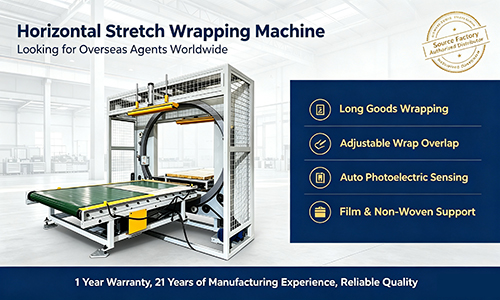
Horizontal Stretch Wrapping Machine SP1000 for Pipes
view more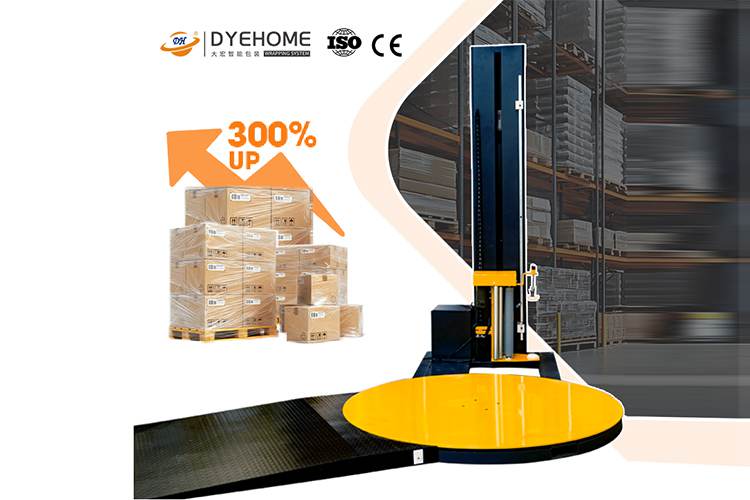
Pallet Stretch Wrapping Machine
view more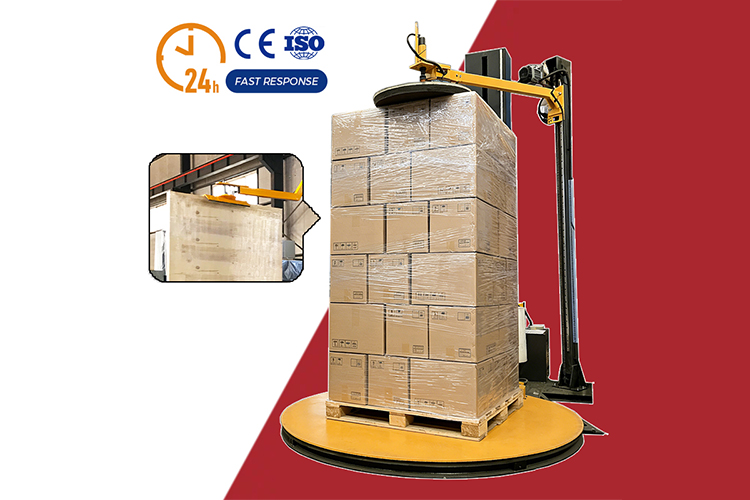
Top Press Pallet Stretch Wrapping Machine
view more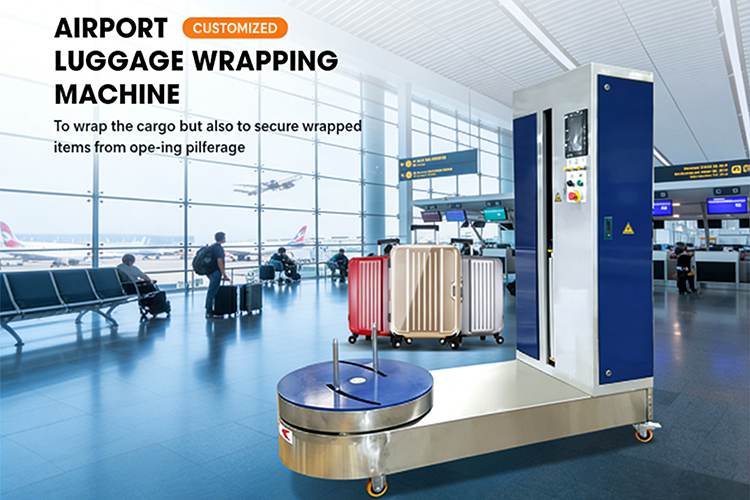
Luggage Wrapping Machine for Airports
view more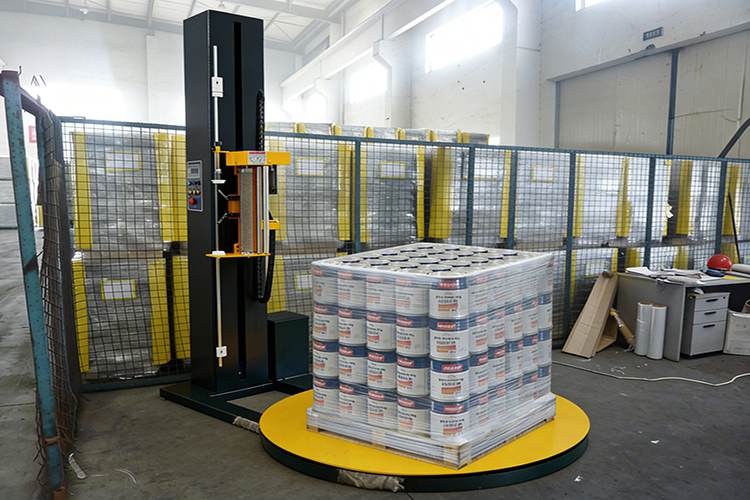
Pallet Stretch Wrapping Machine for Canned Goods
view more
Airport Self-Service Luggage Wrapping Machine
view more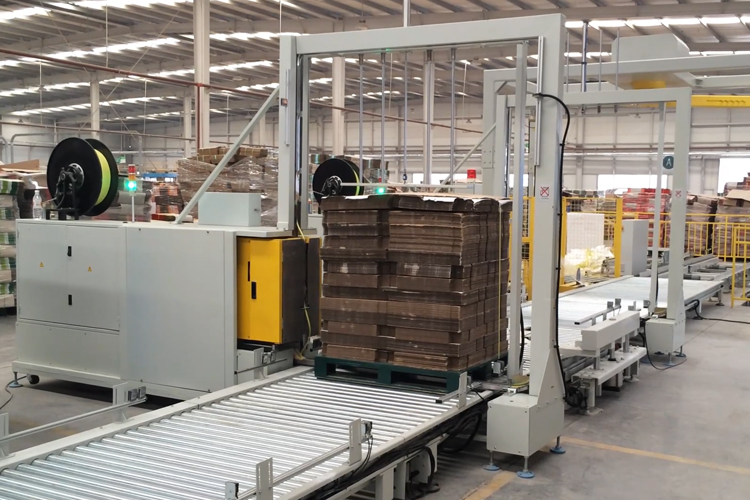
Automated film wrapping and packaging equipment
view more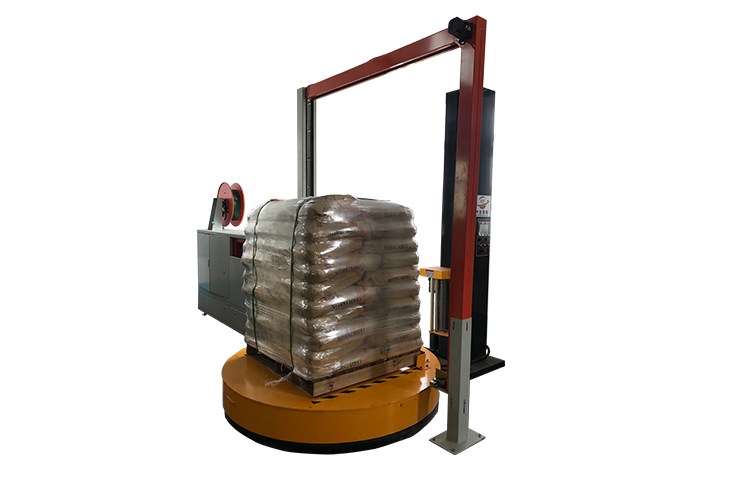
Sword-piercing baler and wrapping machine
view more
 Shandong Dyehome Intelligent Equipment Co.,Ltd
Phone:0086-17362172587
Whatsapp:+8617362172587
Email:machinedyehome@gmail.com
Add:Building 62, 3000 Meili East Road, DmiPark, Wujiapu Street, Huaiyin District, Jinan City,Shandong Province
Jinan Jiasen Packaging Equipment Co., LtdPhone:0086-15665802370
Add:High-end Equipment Manufacturing Industrial Park, East Industrial New Town, Ancheng Town, Pingyin County, Jinan City, Shandong Province
Shandong Golden Pack Intelligent Equipment Co.,LtdPhone:0086-15662690213
Add:High-end Equipment Manufacturing Industrial Park, East Industrial New Town, Ancheng Town, Pingyin County, Jinan City, Shandong Province
YoursIndustry
OurSolutions
OurServices
OurInformation